In August, we added automatic account assignment, or Smart Accounting, to Finbite. It looks at how you’ve assigned invoices from the same supplier before and fills in the account and dimensions on new purchase invoices for you.
Most of the time, that’s exactly what you need. But some invoices are exceptions, and you’ll want to handle them differently. Now you can do that right on the invoice.
Automatic account assignment is available to all Standard and Premium plan users. If you’d like to change your plan, let our sales team know at sales@finbite.eu.
What’s new?
Until now, turning on automatic account assignment meant the “Apply template” button disappeared from invoices. The system learned on its own, so a template usually wasn’t needed.
Now you can remove Smart Accounting from an individual invoice. Instead, you can add an account assignment template manually or import a journal line file. Changed your mind? Restore Smart Accounting with one click.
Automation keeps working where it helps, and you stay in control when an invoice is the exception.
How it works
- Open an invoice the system has already assigned. Automatically filled fields are highlighted in a different background colour.
- Click “Remove smart posting”.
- If needed, add an account assignment template manually or import a journal line file.
- To bring Smart Accounting back, click “Apply smart posting”.
What stays the same?
If you’ve set up an automatic account assignment template for a supplier, it still comes first. On those invoices, Smart Accounting won’t run or overwrite the template data.
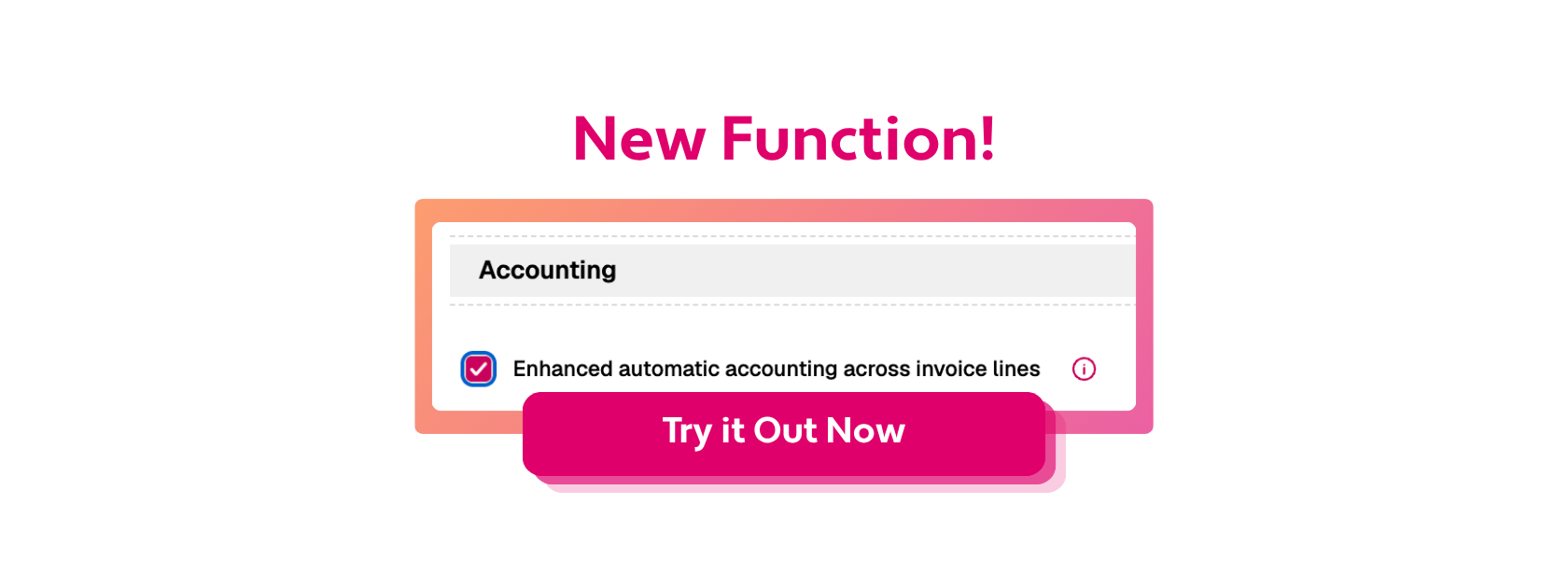
Everything else works as before. The system matches lines by their description, looks at each supplier separately and learns from your corrections. You can turn the feature on under Settings > Invoice settings > Purchase invoice settings, in the Accounting block.
You’ll find the full step-by-step guide in our help centre. If you have any questions, our customer support team is happy to help.