
If the same supplier invoices you every month, assigning accounts to those invoices is repetitive, thankless work. The same lines, the same accounts, the same dimensions. Only the month changes.
Finbite now does that work for you.
We’ve added automatic account assignment (Smart Accounting) to the platform. It looks at how you’ve assigned accounts on that supplier’s invoices before and fills in the account and dimension fields on the new purchase invoice itself. Line by line.
Account assignment for purchase invoices is available to all Standard and Premium plan users. If you’d like to change your plan, let our sales team know at sales@finbite.eu.
What does account assignment on a purchase invoice mean?
In short: account assignment means the accounts and dimensions are added to the purchase invoice lines already in Finbite, before the invoice moves on to your accounting software. The invoice reaches your ERP ready to go.
Until now there were two ways to do this. Either you went through every invoice by hand, or you set up a separate template for the supplier. Automatic account assignment needs neither, because the system learns from your earlier invoices on its own.
How does it work?
Lines are matched by description. The system looks at what the line actually says, not at its position on the invoice. So it understands that “Telecom costs – May” and “Telecom costs – June” are the same service, even when the lines sit in different places on the invoice.
Every supplier is treated separately. The system only analyses earlier invoices from that same supplier, and only for that specific buyer. Logic from one supplier never carries over to another.
It won’t necessarily fill in every line. If an invoice has three lines, the system might fill in two and leave the third empty. That isn’t an error. It simply didn’t find a match for that line in your history.
The system keeps learning. Correct a suggested account or dimension, and next time it will offer the right one.
You can see straight away what the system filled in. Automatically completed account and dimension fields are highlighted on the invoice with a different background colour.
What to keep in mind
If you’ve already set up an automatic account assignment template for a supplier in Finbite, that template stays in force. Automatic account assignment won’t trigger on those invoices and won’t overwrite the template’s data.
Once automatic account assignment is switched on, the “Apply template” button disappears from the invoice. You no longer need it, because the system learns the account assignment by itself.
How to switch on automatic account assignment
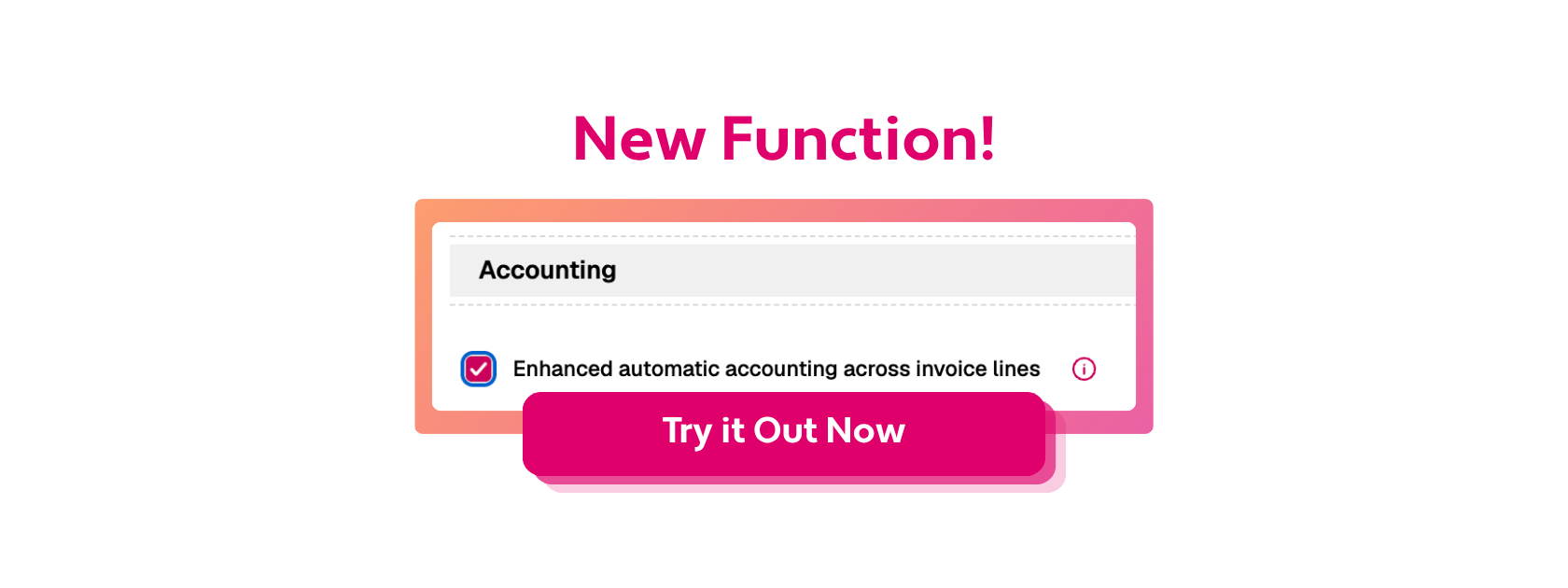
- Open Settings > Invoice settings > Purchase invoice settings
- Find the Accounting block
- Tick Enhanced automatic accounting across invoice lines
A step-by-step guide with all the setup details is in our user manual. If you still have questions, get in touch with our support team.